



On 4 September 2025, The Minister for Home Affairs declared the Asian Football Confederation (AFC) Women’s Asian Cup Australia 2026 a Major National Event (MNE).
People working or volunteering at the Women’s Asian Cup Australia 2026 may need to undergo a Major National Event (MNE) background check.
This event will be held from 1 March to 21 March 2026.
It will be held across 5 venues in 3 cities.
If the event organiser has advised you need an MNE background check, read through the information on how to apply for an MNE background check.
If you apply, learn about how we protect your information in the Privacy notice for Major National Event (MNE) – Asian Football Confederation Women’s Asian Cup Australia 2026.
Application troubleshooting guide
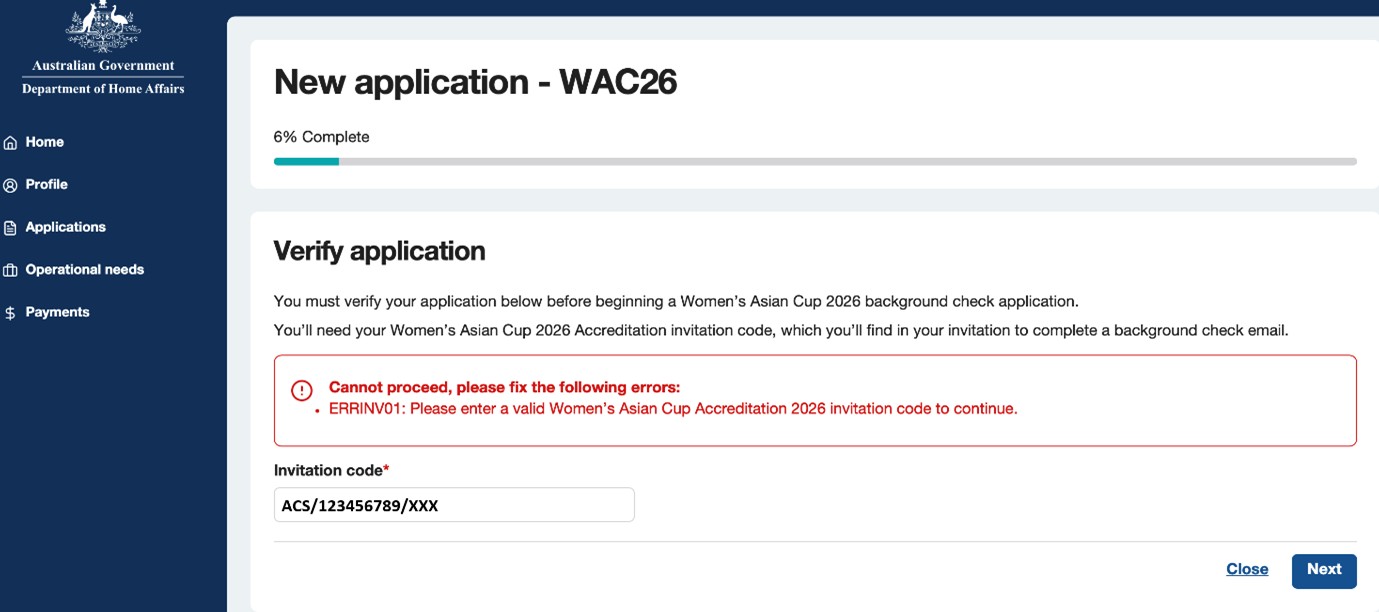
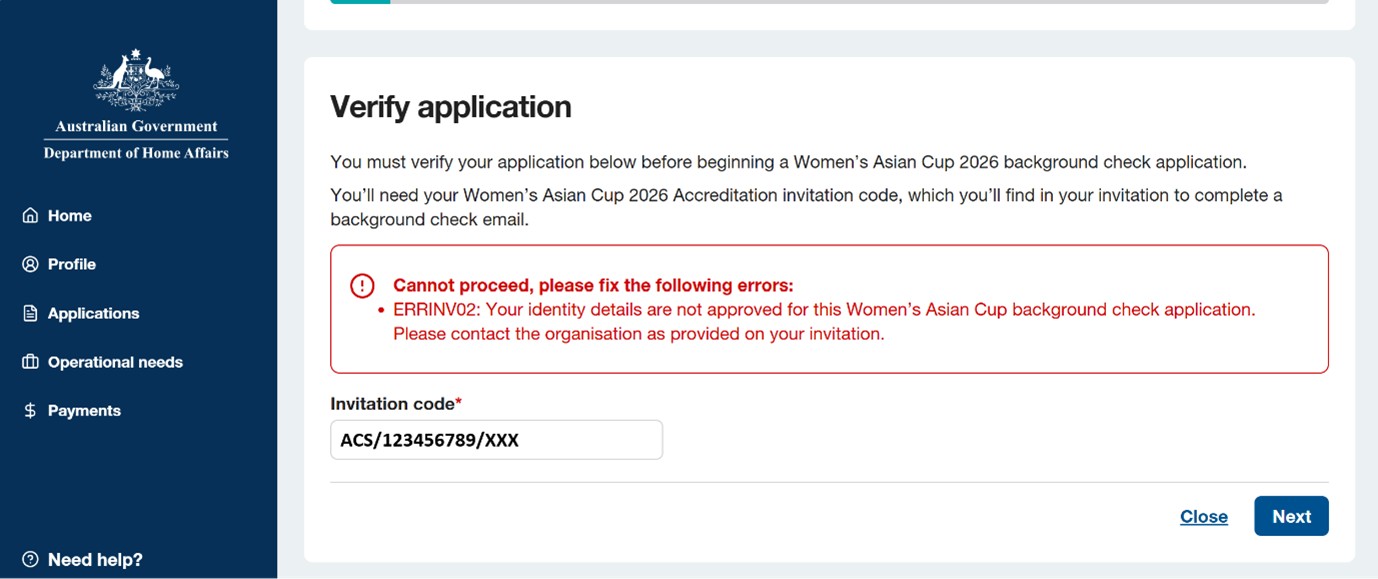
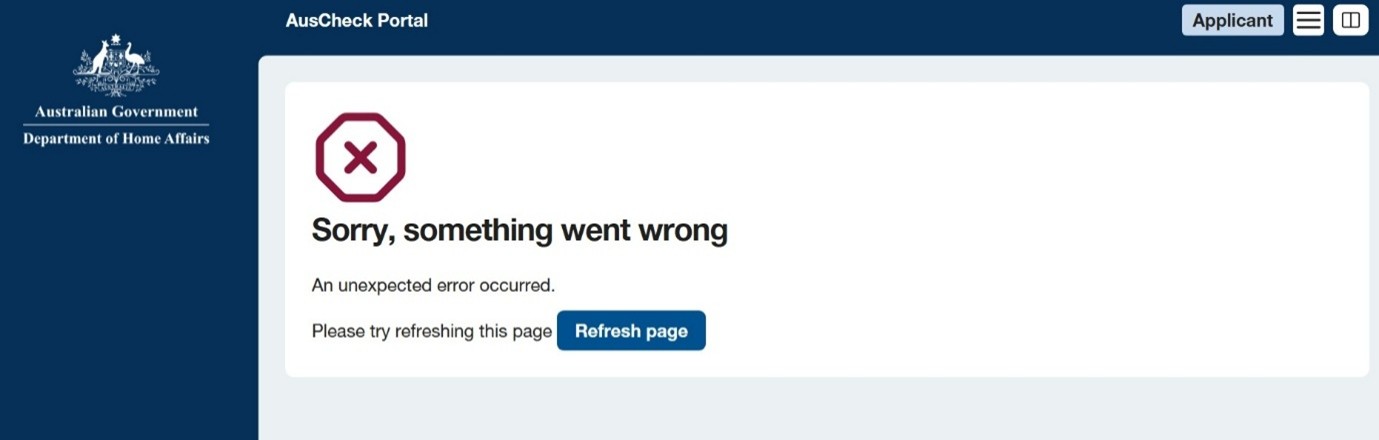
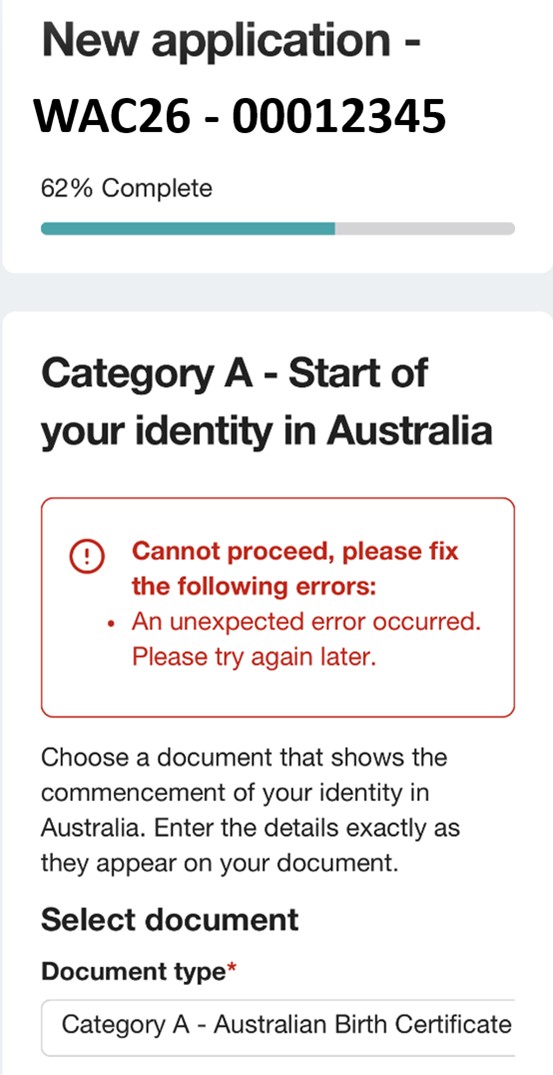
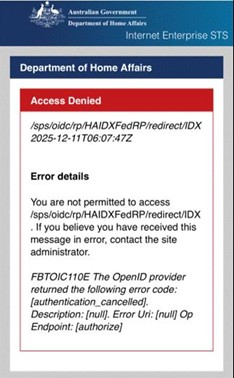
If you see an error message while applying for a Women’s Asian Cup Australia 2026 background check through the AusCheck portal, please see the information below:
- Error: 'ERRINVO1'
- Error: 'ERRINVO2'
- Error: 'Sorry, something went wrong'
- Error: 'An unexpected error occurred. Please try again later.'
- Error: 'Access Denied'
- Error: 'ERRSEC001'
- For further assistance.
Troubleshooting for Western Australian applicants
Birth certificate registration numbers
If you are unable to verify your birth certificate when submitting your application, you may need to change the format. Registration numbers must be 7 digits in length.
Format: 1234567X/YYYY (Birth certificates issued after 26 November 2001)
The registration number component is the first 7 digits. If there are less than 7 digits, add a zero to the beginning of the number.
Example:
- 1234567X/YYYY - Your registration number is 1234567
- 123456X/YYYY - Your registration number is 0123456
Format: 1/234/56X
The first section must contain 2 digits, and the middle section must contain 5 digits to make up the 7-digit registration number. If there are less than 2 digits in the first section, and less than 5 digits in the middle section, add zero/zeros to the beginning of each section.
Example:
- 1/234/56X – Your registration number is 0100234
Driver’s license
If you have a ‘blocked’ driver's license, we cannot verify this document and move the application through the background checking process.
Either remove the block from the license or submit a different Category B document.
To remove a block from your driver’s licence
Go to DoTDirect(Opens in a new tab/window) and navigate to:
“Protect your identity section” on the drivers’ licence page.
Select: “Remove licence block”.
For more information on Category B documents see identity documents.
Make sure you also submit the back of the licence as this is required to confirm the card number.